
Shows the projected field against a user-defined lux scale.
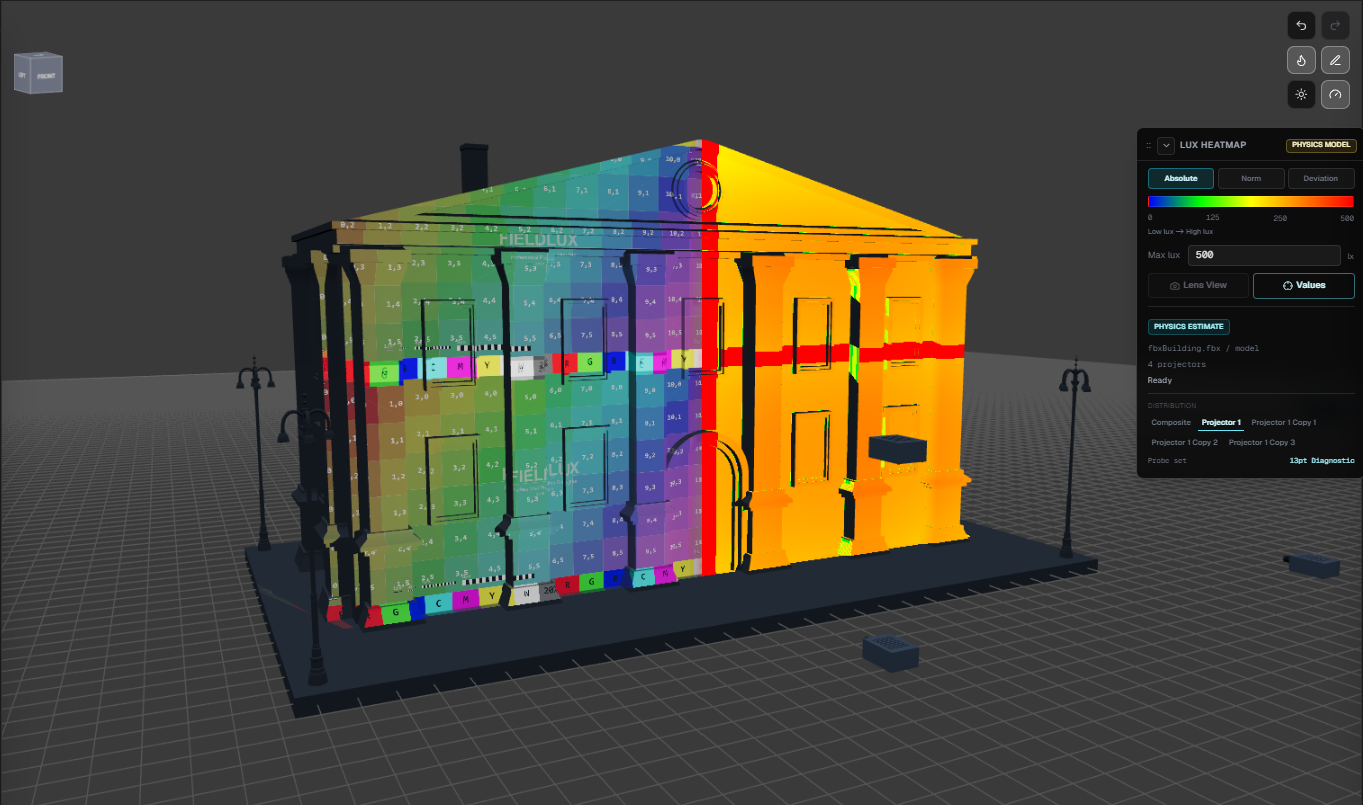
Projection simulation workspace
FieldLux
Plan projector layouts, inspect lux coverage, and share a read-only client view from the same scene.
Heatmap modes
Absolute, Norm, Deviation
Field probes
13pt distribution + hover lux
Share path
URL, Cloud, Account access
Software
A working model before the real room is built.
The current app combines projector layout, lens behavior, imported models, target surfaces, analysis, export, and sharing in one production-oriented workspace.
01
Project home
Saved projects, account access, cloud restore, and sample scenes for fast entry.
02
3D simulation
Projectors, lenses, imported models, rooms, target surfaces, and reference media share one scene logic.
03
Cloud share
Create read-only client links, manage account access, restore cloud projects, and revoke shared views when plans change.
04
Output handoff
Export analysis summaries, PDF reports, and final review materials without rebuilding the scene.
FieldLux analysis
Three heatmap views, one shared lux model.
FieldLux uses the same lux model for heatmap rendering, 13-point diagnostics, hover probes, lens views, and shared client readouts.
3 Heatmap Views
Compares each point against the configured reference lux.
Shows how far each area is from the reference using +/-10%, +/-20%, or +/-30% scales.
CenterCenter lux
Reference avg9-point mean
UniformityMean uniformity
EdgesMin / Max
HotspotCenter-to-corner + CV
Sample set13 points
Heatmap mode
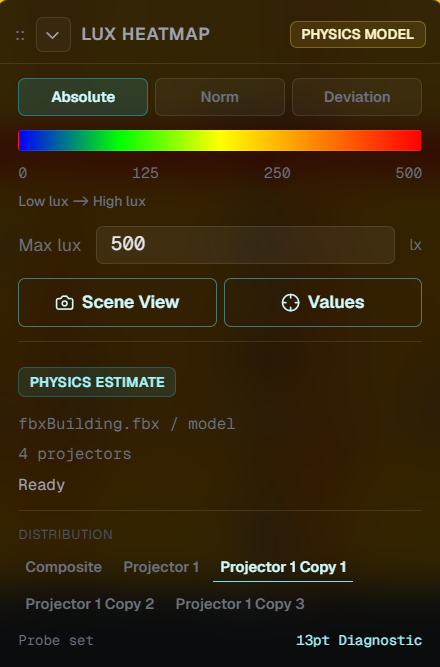
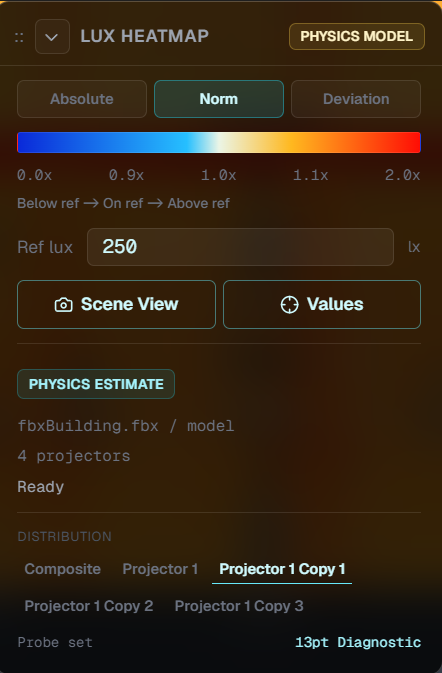
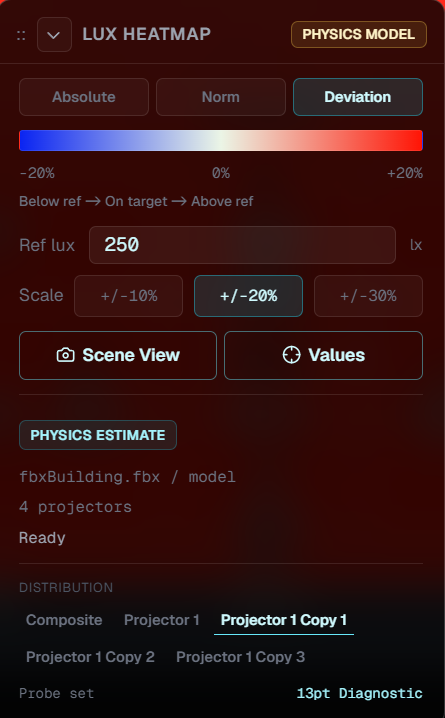
13pt distribution
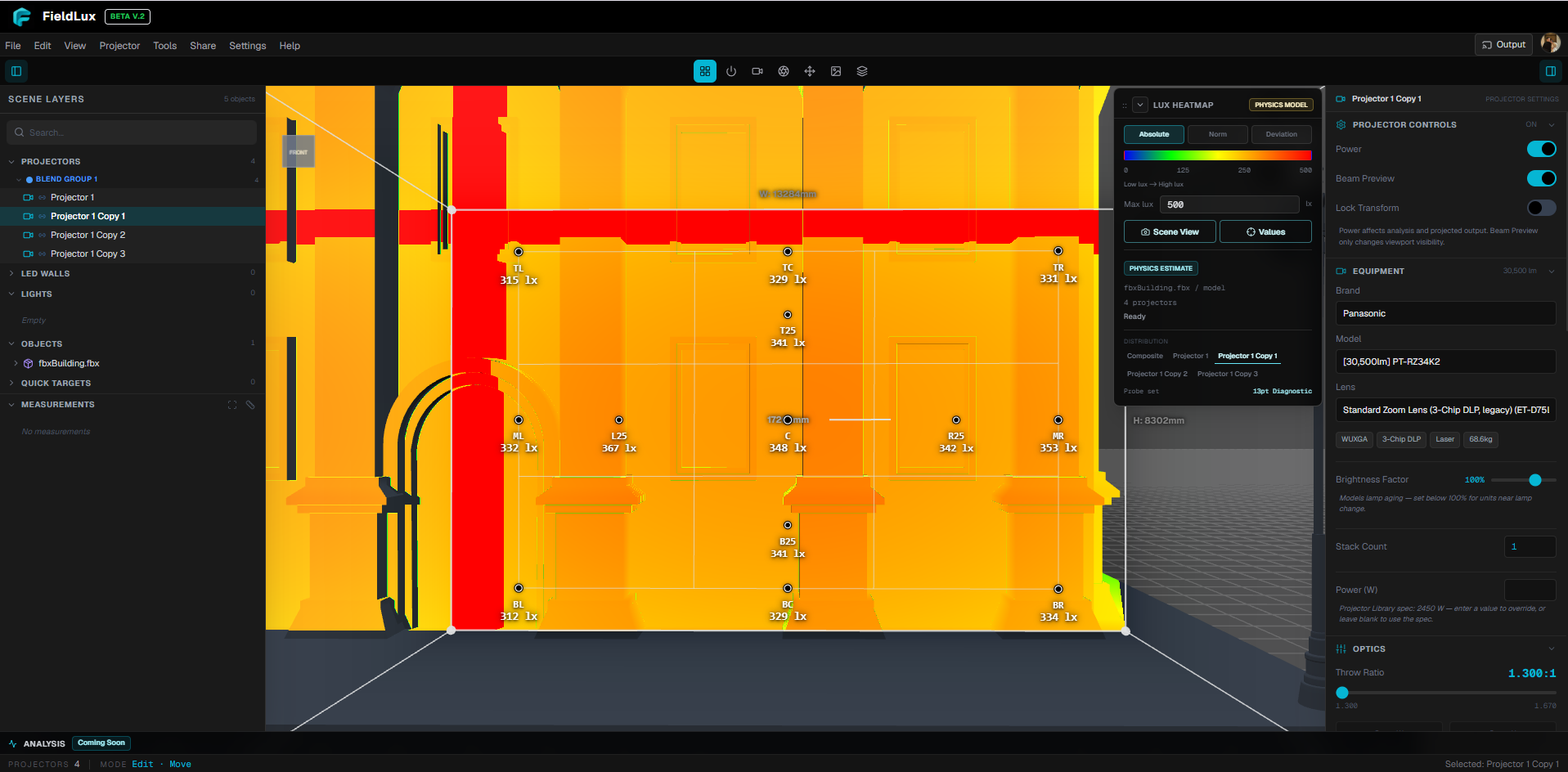
Hover measurements
Measure the surface under your cursor, not after export.
FieldLux shows point-level lux and pixel density directly in the viewport. The probe follows the lit receiver surface, ignores unlit or occluded areas, and reveals overlap contribution when multiple projectors stack.
Lux at point
Total lux at the cursor
Pixel density
mm/px at the same hit point
Projector context
Lens view + selected distribution
Receiver safety
Hidden on occluded or unlit surfaces
Roadmap
Open beta focus.
Now
Core preflight workflow
- Real projectors, lenses, throw, and lens-shift controls
- Imported models, rooms, surfaces, photos, and LED walls
- Absolute, normalized, and deviation lux heatmaps
- 13-point diagnostics, hover lux, pixel density, and lens view
- Multi-projector overlap and peak contribution review
- PDF export, cloud share, and read-only client viewer
Next
Installation intelligence
- Calibration workflow for on-site correction gain
- Lighting fixture registration and equipment profiles
- Projection, lighting, and LED wall stress analysis in one review
- Clearer desktop app migration and recovery paths
Later
Team operations & integrations
- Founding tester access and plan management
- Shared libraries, permissions, and account-based review access
- Expanded manufacturer verification and catalog governance
- Managed storage cleanup for long-running project libraries
- Spout / Syphon output for external production workflows
- Studio workflows for multi-user production teams
Join the Discord community
Showcase your scenes, share analysis results, and discuss projection prescriptions with the core team.